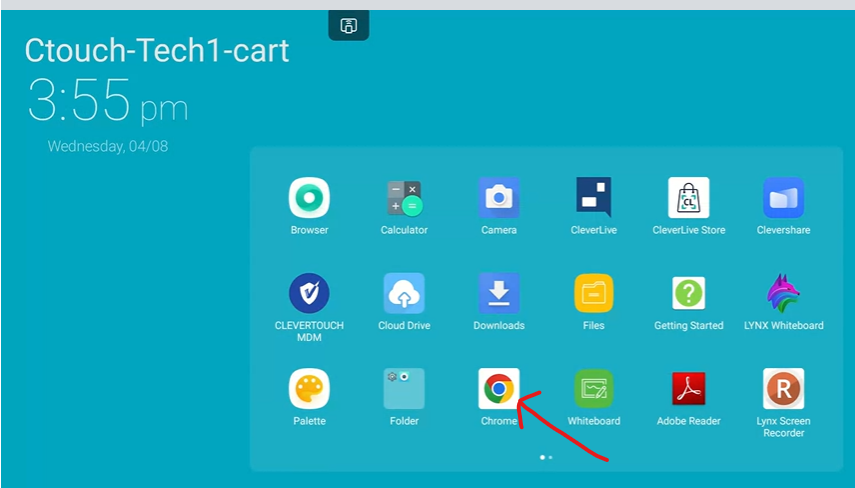
This will show you how to install Google Chrome on your CleverTouch board.
The built-in browser sometimes gives a 403 error or does not render a page correctly. Your board may have the Chrome browser installed already, but if it does not. Here is how to install it.
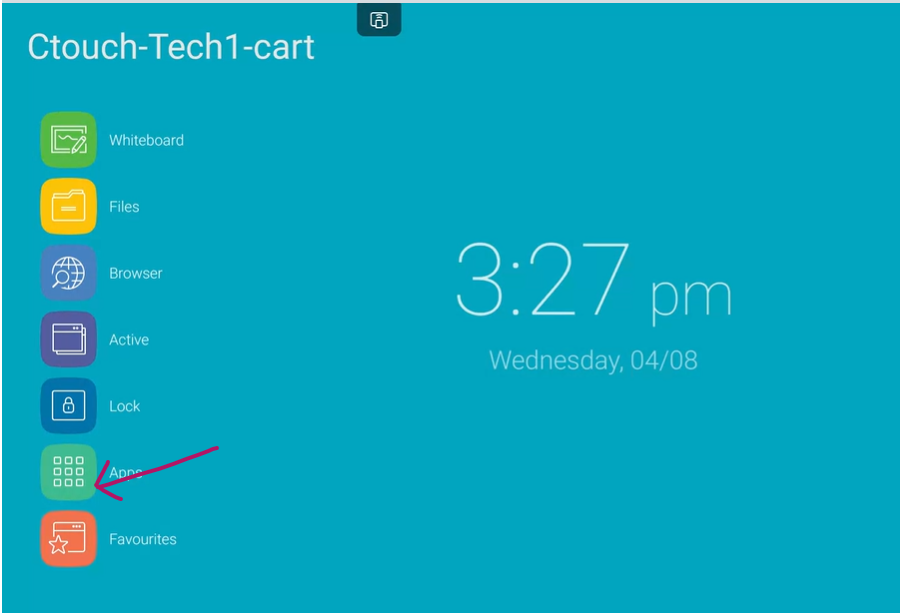
1- Click on Apps from the main screen.
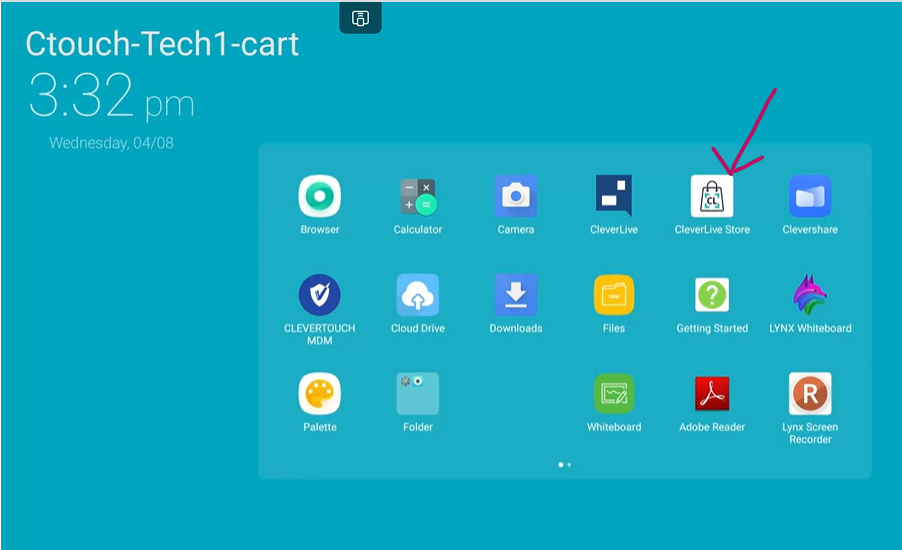
2- Click on Clever Live Store
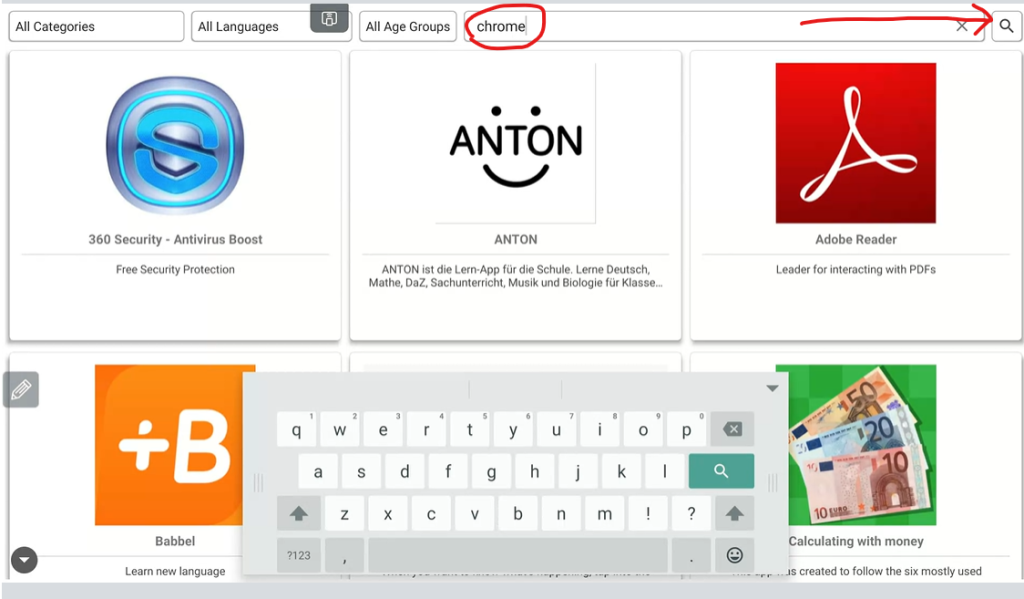
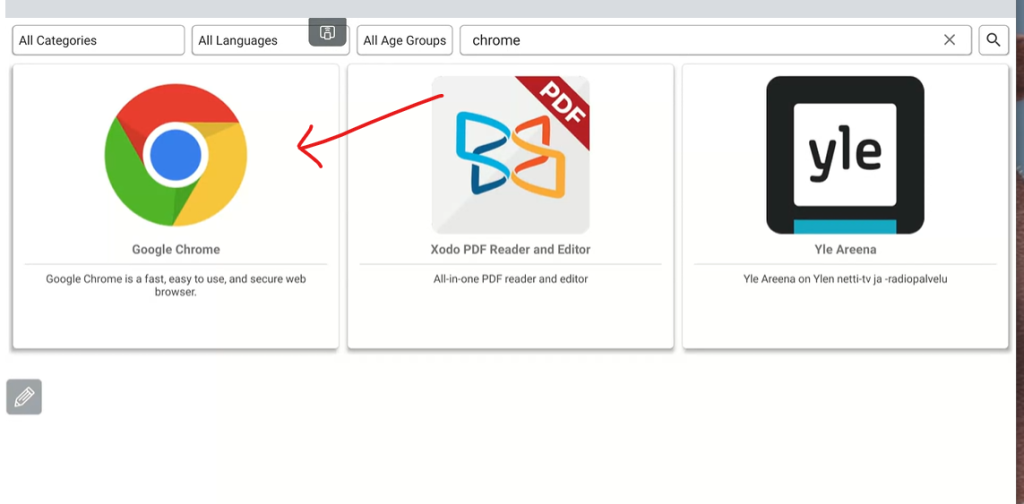
3- Type in Chrome in the search and click the search icon
4-Click on the Google Chrome icon
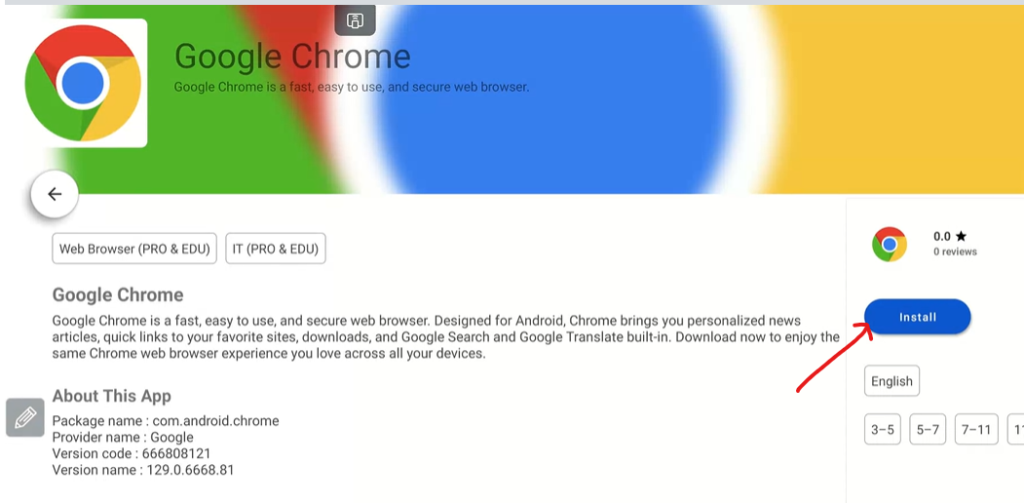
5-Click the install button
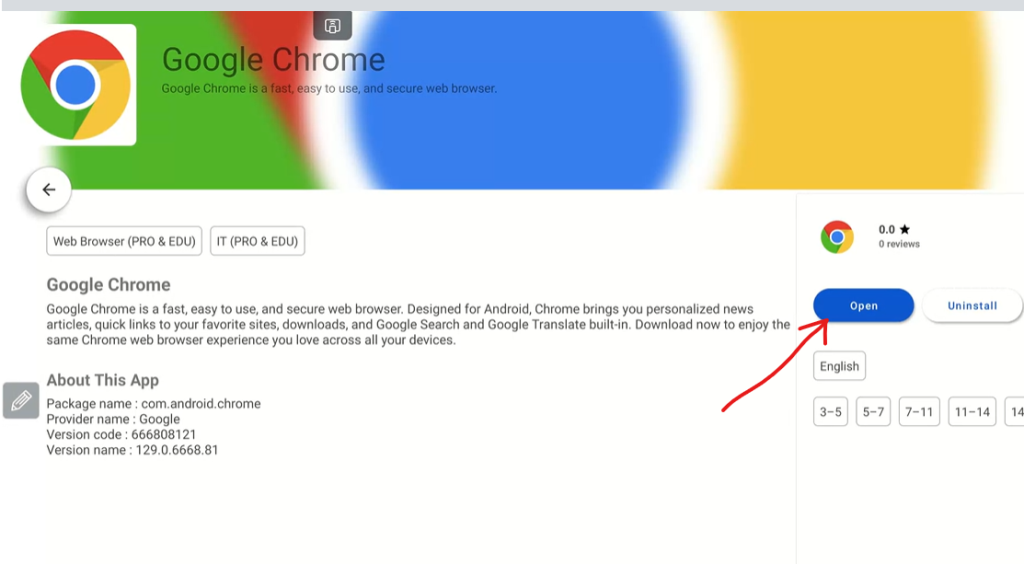
6- Click open to Launch Chrome
7-Chrome will now be listed in Apps