How to add a single or mass add students to your Google Classroom
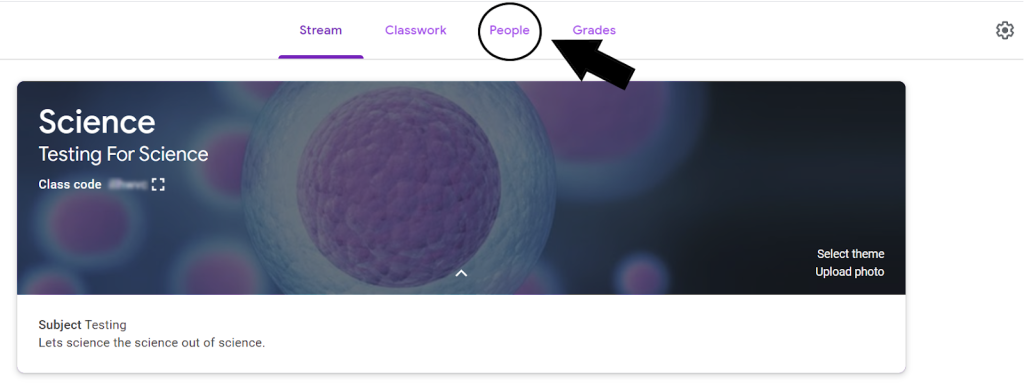
Step 1: Go to the desired class in Google Classroom. Then click the “people” tab at the top of the page.
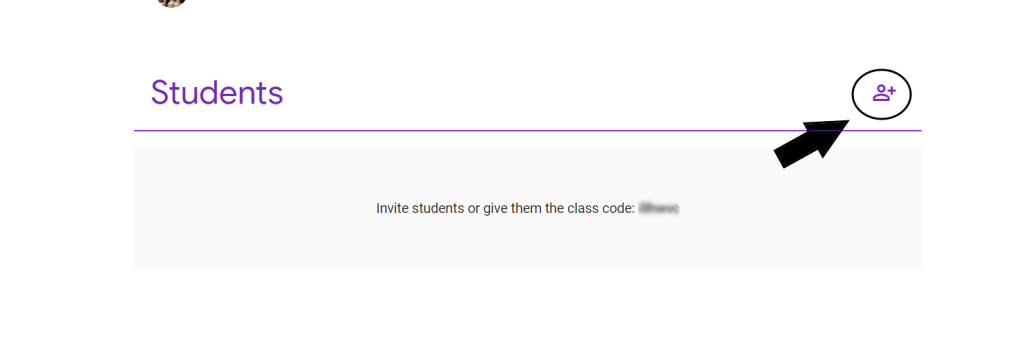
Step 2: You should now see a page displaying the Teachers and Students connected to the classroom. On the right of the students list you should see a little plus sign. Click it to add more students.
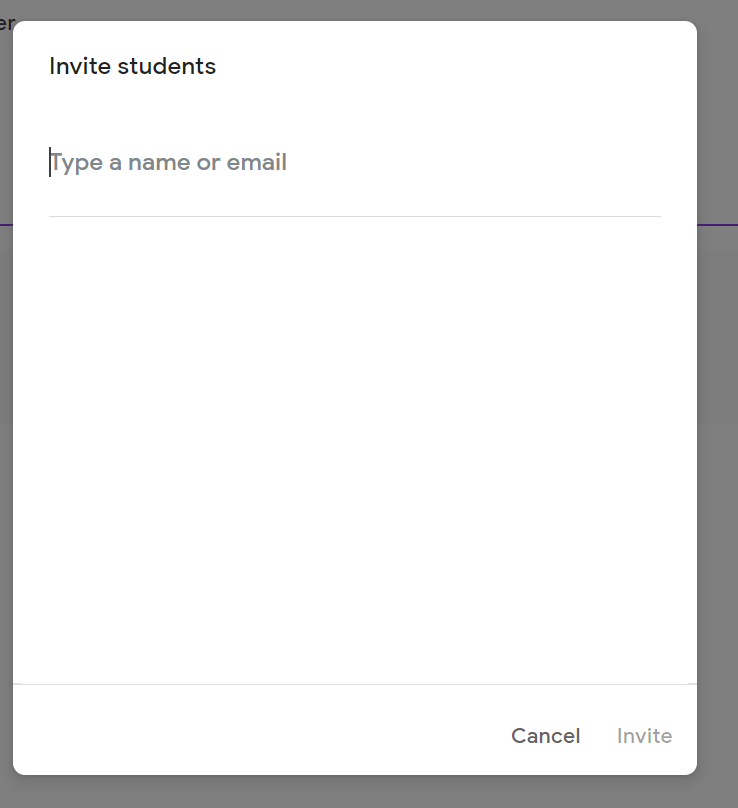
Step 3: A new window will appear saying “Invite Students” type in the name or email of the desired student you would like to invite and click invite. The student should now be added to the classroom
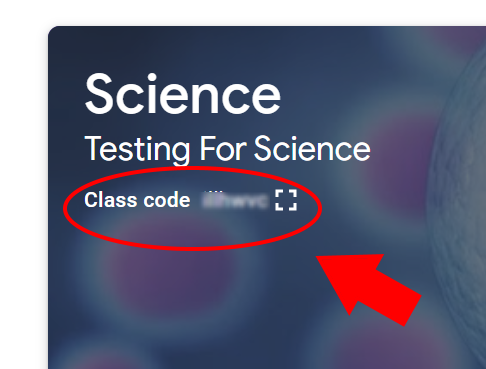
Step 4: You can also invite students via a code as well. The code allows you to invite a whole group of students at once. The code is located on the front page of the classroom. For security reasons the code in the image below is blurred out.